
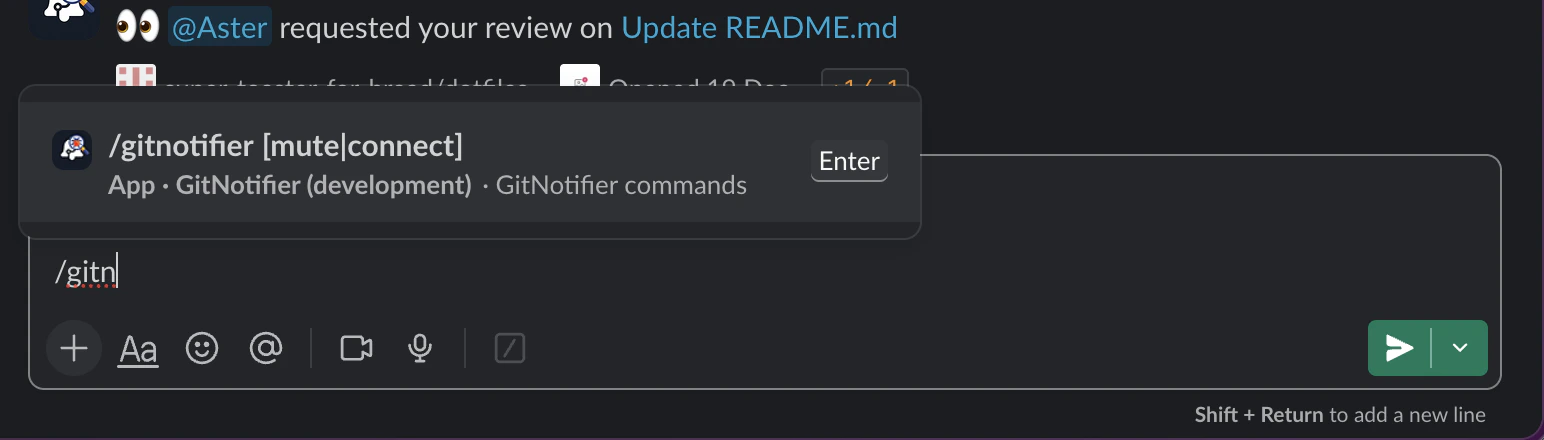
/gitnotifier.
Available Commands
General
/gitnotifier help
Show command help.
/gitnotifier connect
Start the GitHub connect flow for your Slack user (same flow as App Home and invite links).
If you are already connected, GitNotifier returns an ephemeral “already connected” message and does not start OAuth.
PR digest
/gitnotifier pr
Show your assigned/review-requested open PR digest as an ephemeral Slack message (same PR scope as scheduled reminders, with a command-specific title).
/gitnotifier prs, /gitnotifier list, /gitnotifier ls, /gitnotifier digest
Aliases for /gitnotifier pr.
Mute management
/gitnotifier mute
Mute PR notifications in the current PR thread.
/gitnotifier mute owner/repo#123
Mute a specific pull request.
/gitnotifier mute https://github.com/owner/repo/pull/123
Mute a specific pull request by full GitHub URL (fragments like #discussion_r... are supported).
/gitnotifier mute <search text>
Mute a pull request by searching open PR titles in GitHub (for example: /gitnotifier mute NT-6879, /gitnotifier mute nx upgrade, /gitnotifier mute fix issue with memory).
GitNotifier runs this scoped query with your GitHub user context:
is:pr is:open archived:false in:title "<search text>" involves:@me
- If exactly one open PR matches, GitNotifier mutes it.
- If multiple open PRs match, GitNotifier shows up to 3 candidates and asks you to pick one with
owner/repo#123or refine your search. - If no open PR matches, GitNotifier asks for a more specific search or an explicit PR reference.
- Under the hood, GitNotifier uses GitHub Search API with
is:pr is:open archived:false in:title "<query>" involves:@me.
/gitnotifier unmute
Unmute PR notifications in the current PR thread.
/gitnotifier unmute owner/repo#123
Unmute a specific pull request.
/gitnotifier muted
Show all currently muted PRs for your account in Slack, with clickable PR links.
Emoji
/gitnotifier emoji me
Build a custom emoji draft from your own Slack profile photo. GitNotifier replies with an ephemeral 128x128 preview and a download link to the PNG.
/gitnotifier emoji @user
Build a custom emoji draft from a teammate profile photo (use a real Slack @mention).
GitNotifier also shows quick upload steps:
- Click the generated Download PNG button (or link).
- Hover any message, click the reaction icon, then click Add a custom emoji.
- Upload the image and save an emoji name.
Accepted PR Reference Formats
owner/repo#123https://github.com/owner/repo/pull/123https://github.com/owner/repo/pull/123#discussion_r456